

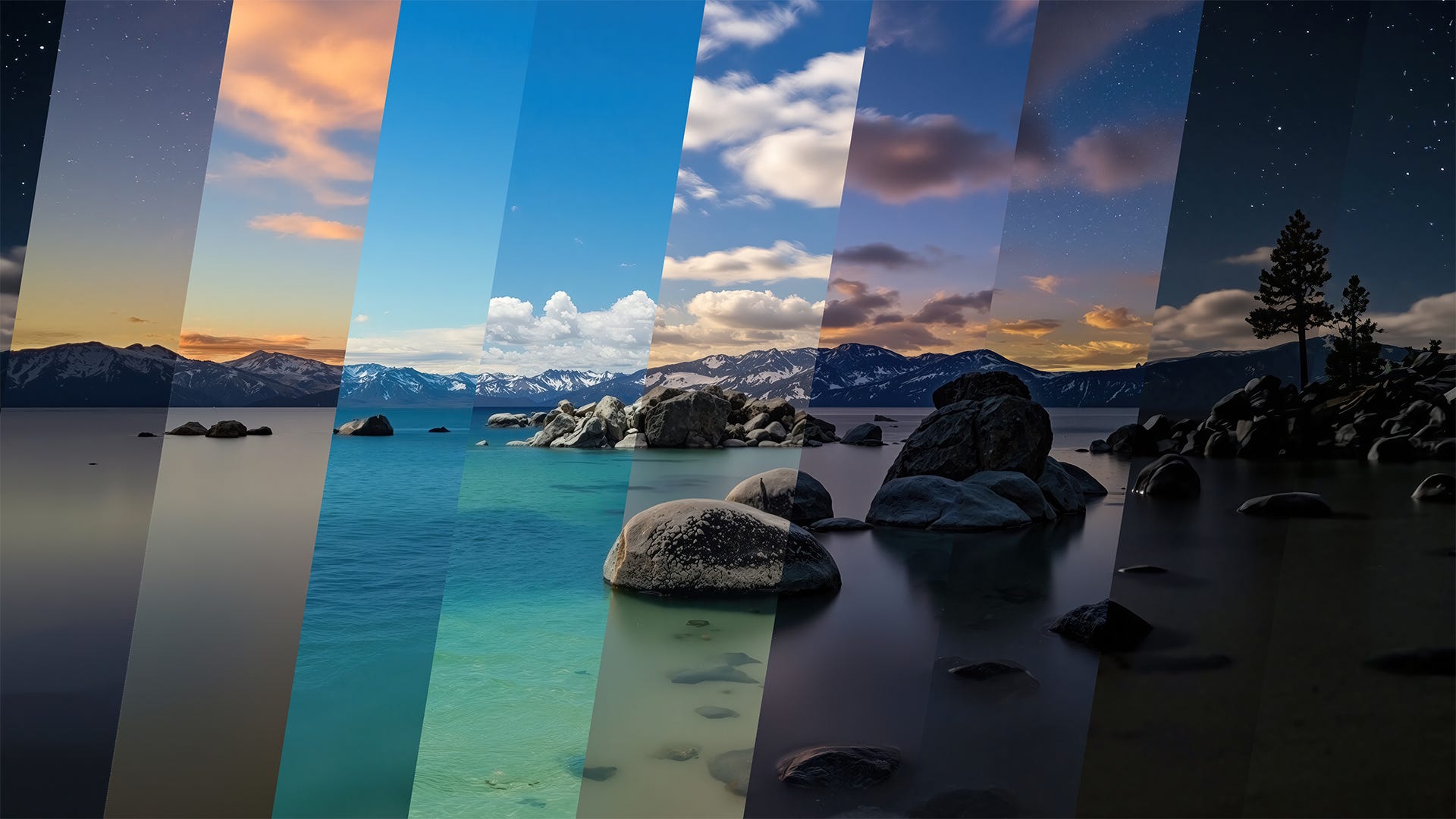
For more than a decade, my photography partner Hal and I would travel to whatever destination Apple was featuring for macOS and create wallpapers there. This wasn’t as fun as it sounds, largely because the locations Apple picks are either foggy (California coastal) or smoky (due to wildfires) during the summer and fall months.
I’ve already spent years in Tahoe and filmed there extensively, so I wasn’t excited about going back to film again. So instead of doing that, I decided to try to create the wallpaper entirely with the latest generation of FX and generative tools. This went far better than I expected it to!
To cut to the point, here it is (completely free):
Download the Tahoe 2026 Dynamic Desktop for macOS - 5K 16 Frame
Download the Tahoe 2026 Dynamic Desktop for Windows / WinDD - 5K 16 Frame
Download through 24 Hour Wallpaper App (beta) - 8K 32 Frame (Tahoe/Sequoia)
If you want the full 32 frame 8K version you’ll need to use 24 Hour Wallpaper (beta) because macOS doesn’t do a good job with more than 16. The 16 frame is great though.
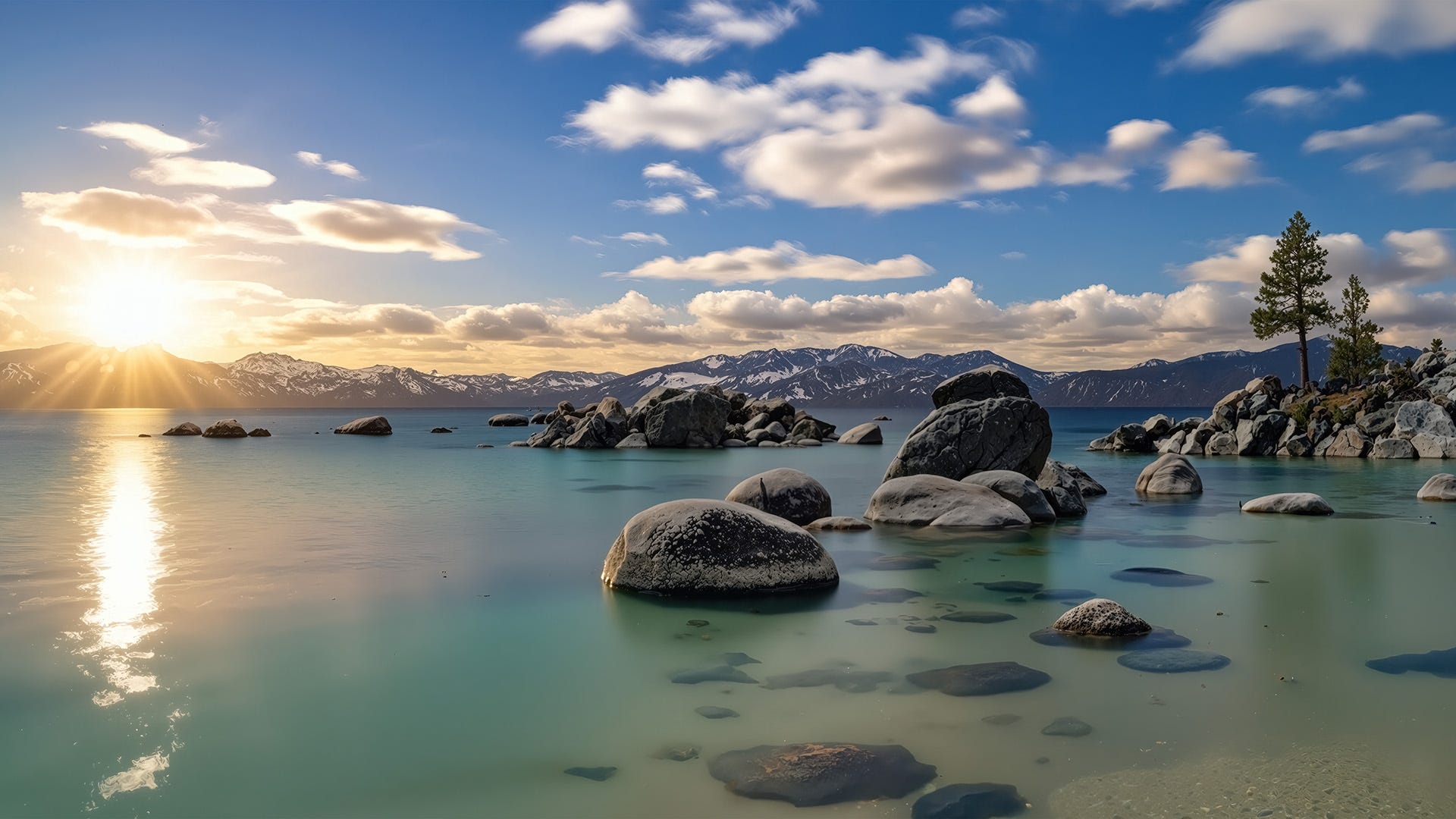
It took quite a bit of work to create this, for those interested this is how I did it.
1. Extracted a 1920x1080 day frame from Apple’s Tahoe video wallpaper.
2. Used Google’s Nano Banana to add clouds and make a good novel starting point. This step could be skipped, but I don’t like boring clear skies.
3. Generated approximately 30 time-lapse videos or segments using Google’s Veo2 and Veo3 with the Nano Banana frame as input, producing 720p output.
4. Upscaled the best of those segments using Topaz Video AI to 4K frames.
5. Selected the best 32 of those frames and used Topaz Bloom upscaler to add creative details/morph and bring resolution to 8K. If you don’t want the creative details, skip this step and go straight to 8K with Video AI. I liked this result better, even though it is less “authentic.”
6. Run those 32 frames through Topaz DeNoise AI to take out hallucinated artifacts/noise/color noise.
6. Meticulously polish those 32 frames with Photoshop to clean the images (auto-align frames, clean stars, bad reflections, dust.) Photoshop’s generative tools are amazing and this wouldn’t be possible without them.
7. Pick the best 16 of those frames to make the macOS Wallpaper. All 32 are used in 24 Hour Wallpaper.
The biggest weakness in this approach was the use of the Topaz Bloom creative upscaler. If you look really carefully, you will notice that there are small details that change frame to frame that shouldn’t. Notice for the rocks in the images below, more than just light is changing. This is because rather than just upscaling the images, I used a creative upscaler, which has the freedom to add and change details.
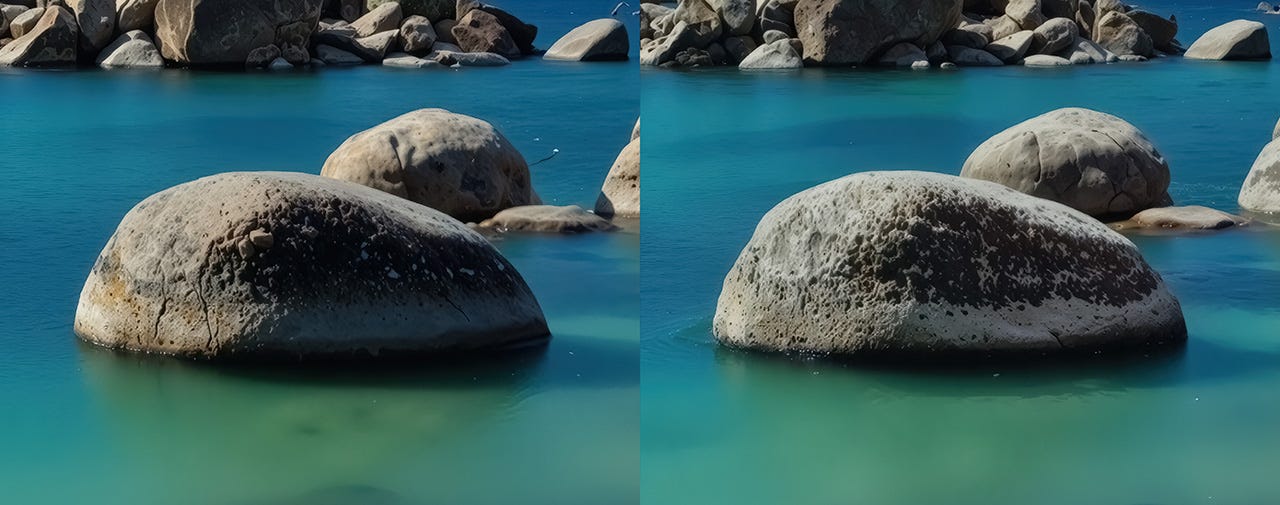
That said, I tried upscaling through Topaz Gigapixel without using creativity and the results just weren’t as good. Using the wallpaper I really didn’t mind the subtle changes, and the results were far more crisp. In the future this issue will be solvable, but right now IMO this compromise was worth making.
If people are interested I’ll write a follow-up post going more in depth on how precisely these tools were used. That said, two weeks from now there will be another workflow that is even better so… it’s an exciting time to be working with digital images.
cool. plz share more :)
I haven't seen each frame yet on my desktop as I have just applied it, but looking at a night frame right now and parts look pretty unrealistic -- like the water and the rocks. Hopefully your future ones will improve more and more. I like the idea.